Contents
- 1. Payment Currency
- 2. Getting Started with Your First Purchase
- 3. How to Check My Subscriptions and Expiry Dates
- 4. How to Use Your Purchase or What to Do If It Is Not Working
- 3. Password Shows as Incorrect
1. Payment Currency
All prices on the PremLogin website are listed in US dollars. When you make a purchase, the amount is converted at the live exchange rate.
2. Getting Started with Your First Purchase
After completing your purchase, open the Subscriptions page to find the product you bought along with its login details, such as the account and password. (Some products require contacting customer support for delivery or to receive a verification code.)
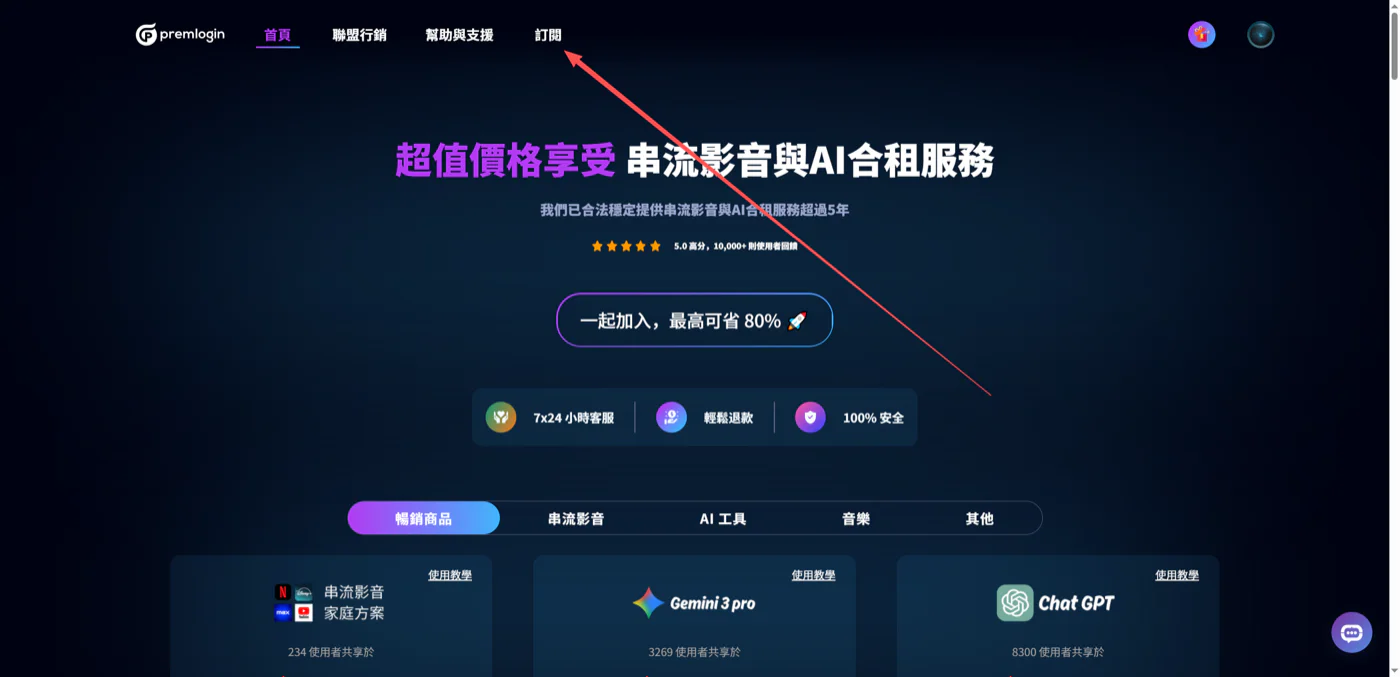
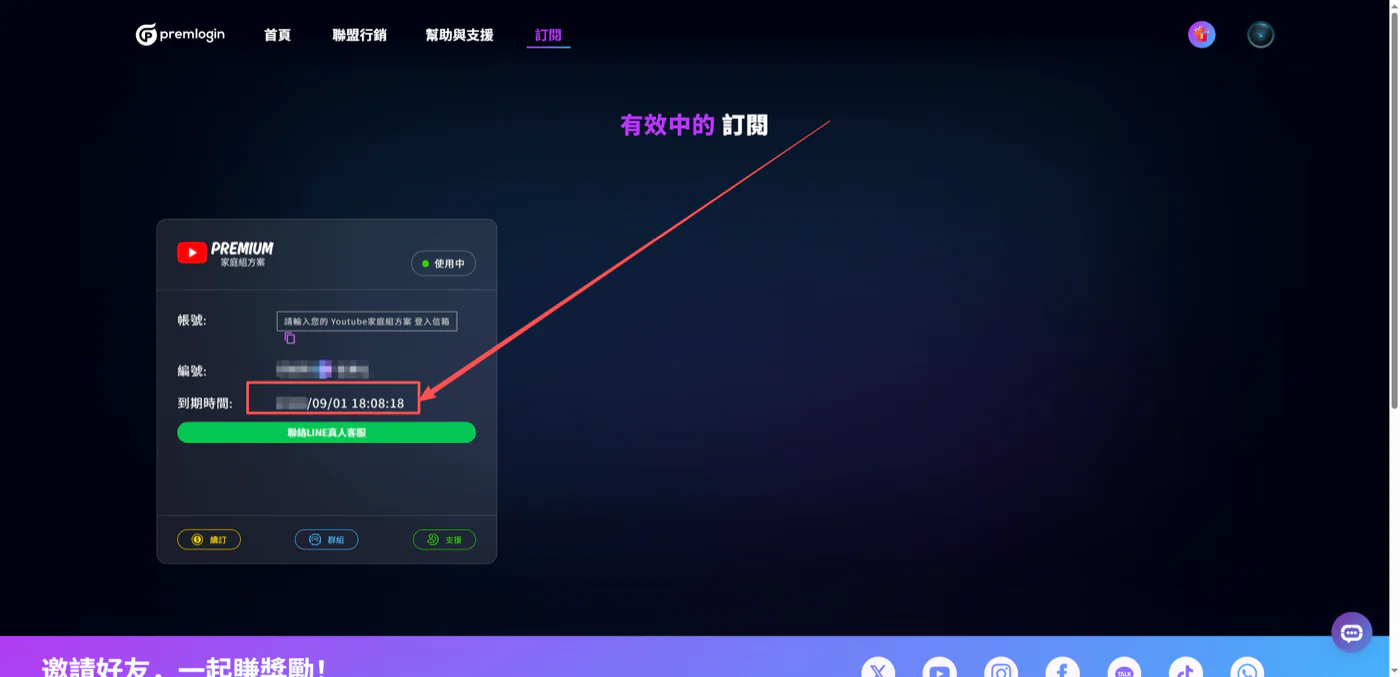
3. How to Check My Subscriptions and Expiry Dates
Open the Subscriptions page to check when your subscription expires.
4. How to Use Your Purchase or What to Do If It Is Not Working
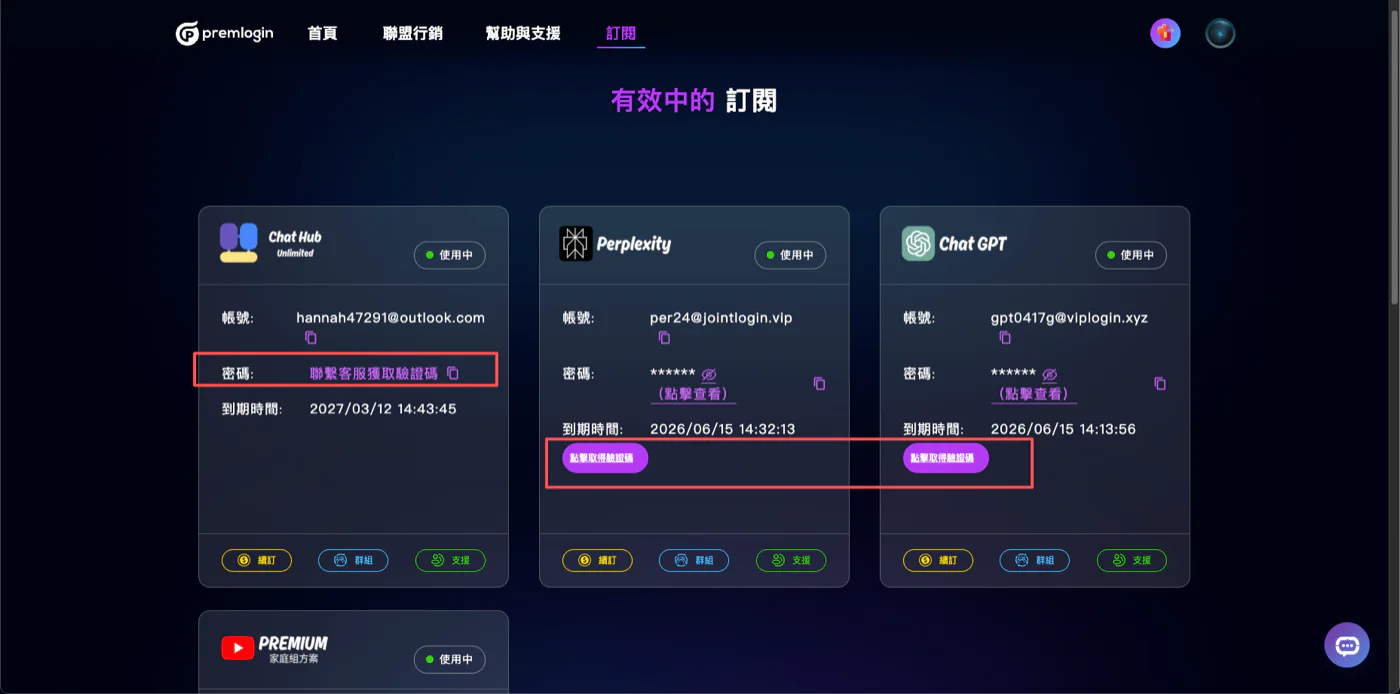
Login methods vary from product to product. You can find the login method for each product on the Subscriptions page.
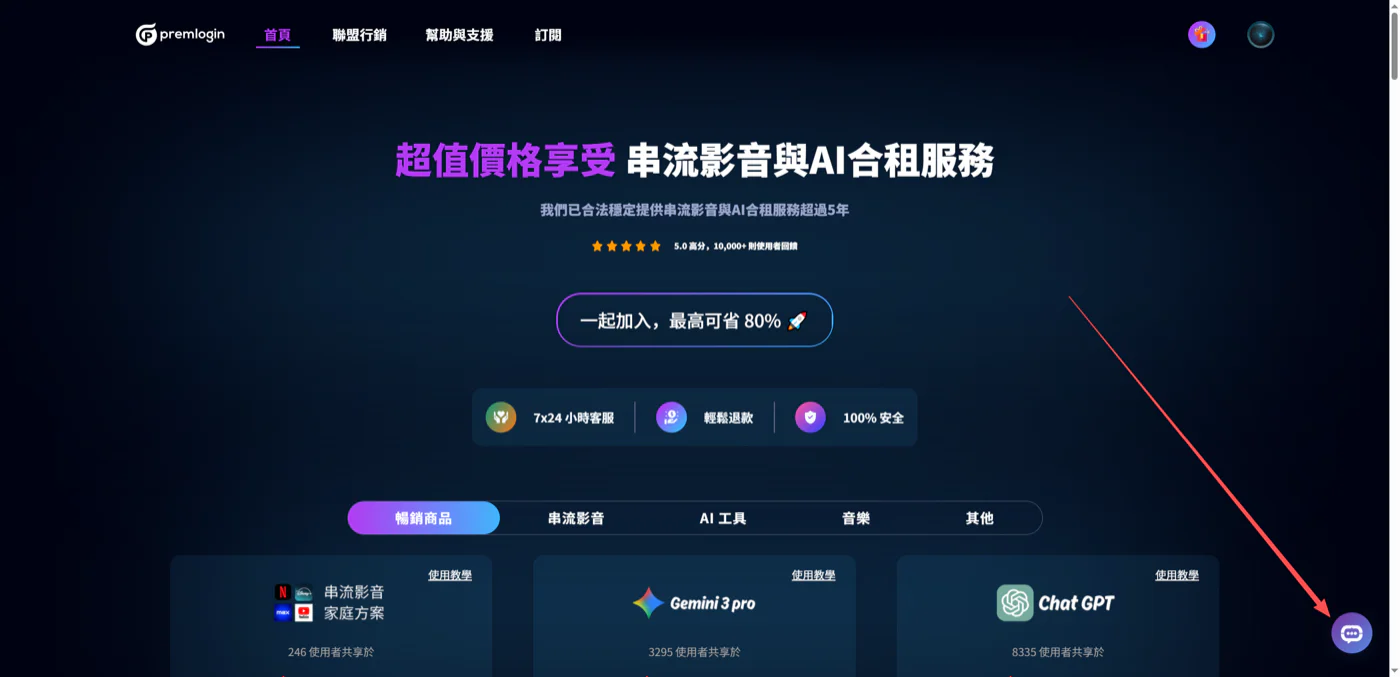
If you have requested a verification code several times and still cannot get it, or your subscription is not working, please contact our LINE support or the live chat on our website and we will get it sorted for you.
(For Netflix dedicated accounts, please log in with the password.) LINE support: https://lin.ee/re5oLqo
3. Password Shows as Incorrect
Check whether there are extra spaces before or after the password.
Check whether the password on your subscription has been updated.
Always log in with the latest password shown on the Subscriptions page.
(If you still cannot log in after trying the steps above, please contact customer support and we will get it sorted for you.)